
Tampa Mugshot Booking Flow
A Tampa arrest can start with TPD, HCSO, a campus police force, or another agency working the city. The county booking event comes after that. HCSO names Orient Road Jail as its primary receiving facility. It runs central booking for more than 27 law-enforcement agencies across the county. Staff there open the jail record, print and photograph the person, log the arresting agency, and list the charges brought at that stage. Housing may follow at Orient Road or Falkenburg Road Jail. The facility name tells you where someone is held. It does not tell you where the bust happened.
Tampa is the Hillsborough County seat. Its estimated population was 413,554 on July 1, 2025. TPD polices the city, yet it does not run the public jail database. That split is why Tampa busted mugshots, bonds, and custody details surface in HCSO Arrest Inquiry rather than on the city site. TPD may hold the incident report or a press release. The county intake record and photo stay with HCSO. The Clerk's HOVER system tracks the court path and final outcome. Each record serves a different purpose and carries its own identifiers.
Where Tampa Busted Mugshots Appear
Official sources come first in any Tampa arrest search. TPD sends people arrested and taken to county jail over to HCSO Arrest Inquiry. That portal shows adult booking photos along with possible charges, bonds, arrest details, and custody or release data. There is no separate daily arrest bulletin or mugshot feed on the TPD site. Private county pages and local news can point you toward a lead. Neither one stands in for HCSO or the court docket.
| Channel | Photo? | Status | Best use |
|---|---|---|---|
| HCSO Arrest Inquiry | Yes, when public | Official | County booking, bond, custody, release, and arresting agency |
| TPD Transparency | No city feed | Official | Explains that county jail arrest data belong at HCSO |
| Hillsborough Clerk HOVER | Not a mugshot source | Official | Filed charges, hearings, orders, and disposition |
| Arrests.org TPD filter | Often | Unofficial | Secondary TPD-labeled copies that require official verification |
| Busted Newspaper Hillsborough | Often | Unofficial | County posts that may include Tampa arrests, with no completeness promise |
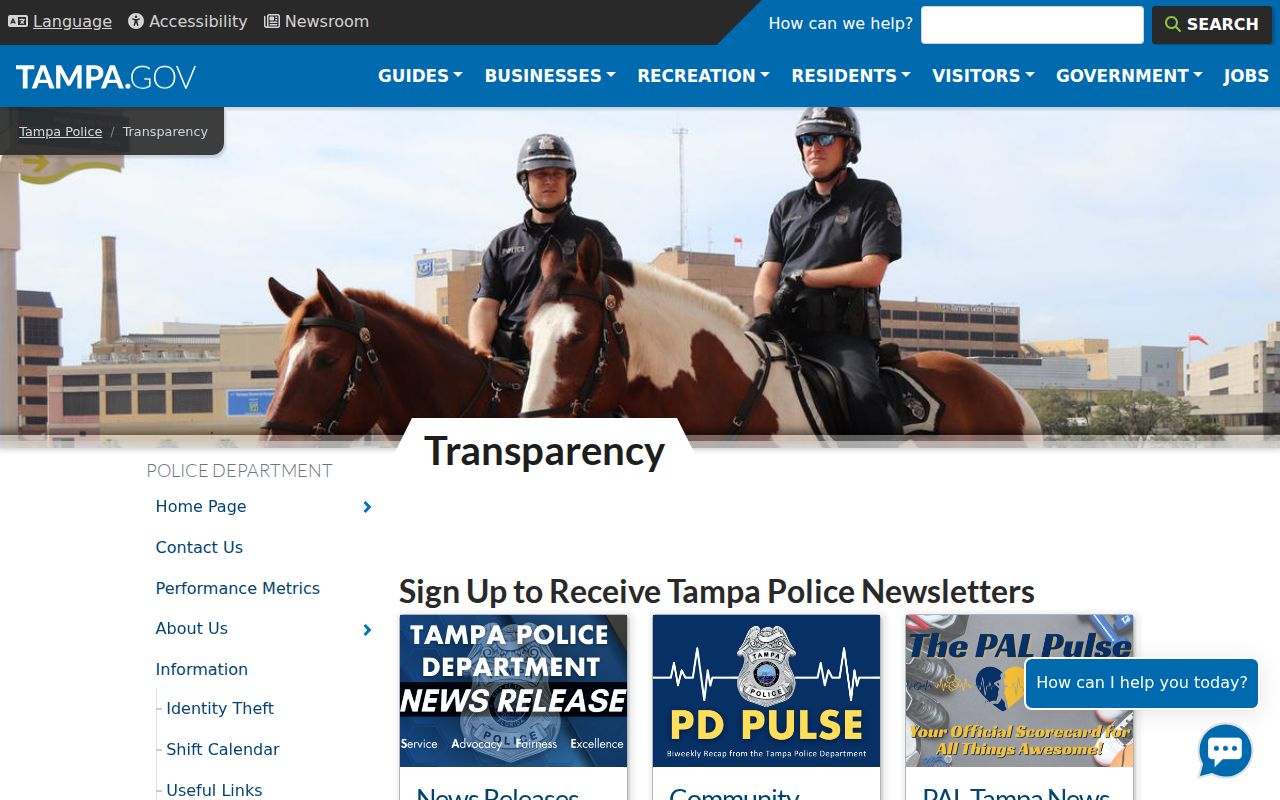
The TPD transparency page makes the city-to-county handoff visible.
A TPD incident report and an HCSO booking are connected, yet they stay separate records. One describes what police say happened. The other documents the jail intake itself. Private busted mugshot sites blur that line. Their pages can lag behind the courthouse, skip a correction, or leave old details sitting there long after a case moves on. So match more than a name. Check the date, the case number, and the charge before you trust what you see. Then read HOVER for how the case actually ended.
Find Who Was Busted in Tampa
Start with where the person stands in the process. Was the arrest recent? Fresh Hillsborough County bookings stay hidden from general browse lists for a day. The sheriff's office holds new records out of public rosters for roughly 24 hours. A direct name search, though, can still surface the entry once the jail system logs it. Someone in custody now? Use the current-inmates filter. Older events call for a search by name, booking date, release date, or booking number.
- Open HCSO Arrest Inquiry and use the exact first and last name for a first-day Tampa booking.
- Add date of birth only when needed to separate people with similar names. Match the arresting agency and arrest date too.
- Select “Current Inmates Only” to confirm present county custody, or search a date for an older booking event.
- Open the booking number and review the photo, alleged charges, bond or hold, facility, and release fields.
- Search HOVER by party name or court case number for what prosecutors filed and how the case ended.
Two numbers matter here. A booking number marks one specific jail event. An SOID is the sheriff's way of identifying a person across the system. The Clerk's court case number is a separate thing. When a search comes up empty, give it time, since transport and intake can lag. Try narrowing the dates. If the record still will not appear, contact HCSO Records directly for the booking record or the photograph. The Hillsborough County busted mugshots search explains the full county roster and how the booking feed works.
Note: A missing result can reflect intake timing, no county booking, a protected record, a correction, sealing, or a query set too wide.
TPD Arrest Records Requests
Ask the agency that made the record. That rule decides everything. For a Tampa incident or arrest report, TPD holds the file. For a county booking record or intake photograph, start with HCSO instead. Requests to TPD can go in online, by mail, or in person on weekdays from 8 a.m. to 4 p.m. Mailed incident or arrest reports normally run $2, though bigger reports cost more. Photographs go through the Legal Unit. Work past 30 minutes of clerk time may add $23 per hour plus copy fees. TPD promises no fixed turnaround.
- Save the TPD report number, event date, full name, and a narrow description of the report or image sought.
- Use TPD Records Section Services or the official city request portal for the incident record.
- For the intake photo, save the HCSO booking number and ask the HCSO Records Section for that exact booking event.
- Ask for electronic delivery and an estimate before authorizing work that may incur a charge.
One Police Center
411 N. Franklin Street
Tampa, FL 33602
Main: 813-276-3200
Records Section: 813-276-3250
Non-emergency: 813-231-6130
County booking records run through HCSO's official request center or its Records Section. The sheriff's public contact details appear below. No standard photo fee or set turnaround exists, so name the exact booking event and request an estimate.
Hillsborough County Sheriff's OfficeSheriff's Operations Center
2008 E. 8th Avenue
Tampa, FL 33605
Main: 813-247-8000
Non-emergency: 813-247-8200
Records Section: 813-247-8210
HCSORecords@HCSO.Tampa.FL.US
Why Tampa Arrest Calls Differ
TPD's Calls for Service tool gets mistaken for an arrest log. It is not one. The tool covers only the past week, refreshes daily, and lags a day behind events. Each row lists dispatch date and time, a call description, a generalized address, a grid, and a report number. What it never shows is who got arrested, the charges, a booking number, custody status, or a mugshot. Plenty of police calls end with no arrest at all. So a listed call proves nothing about a booking.
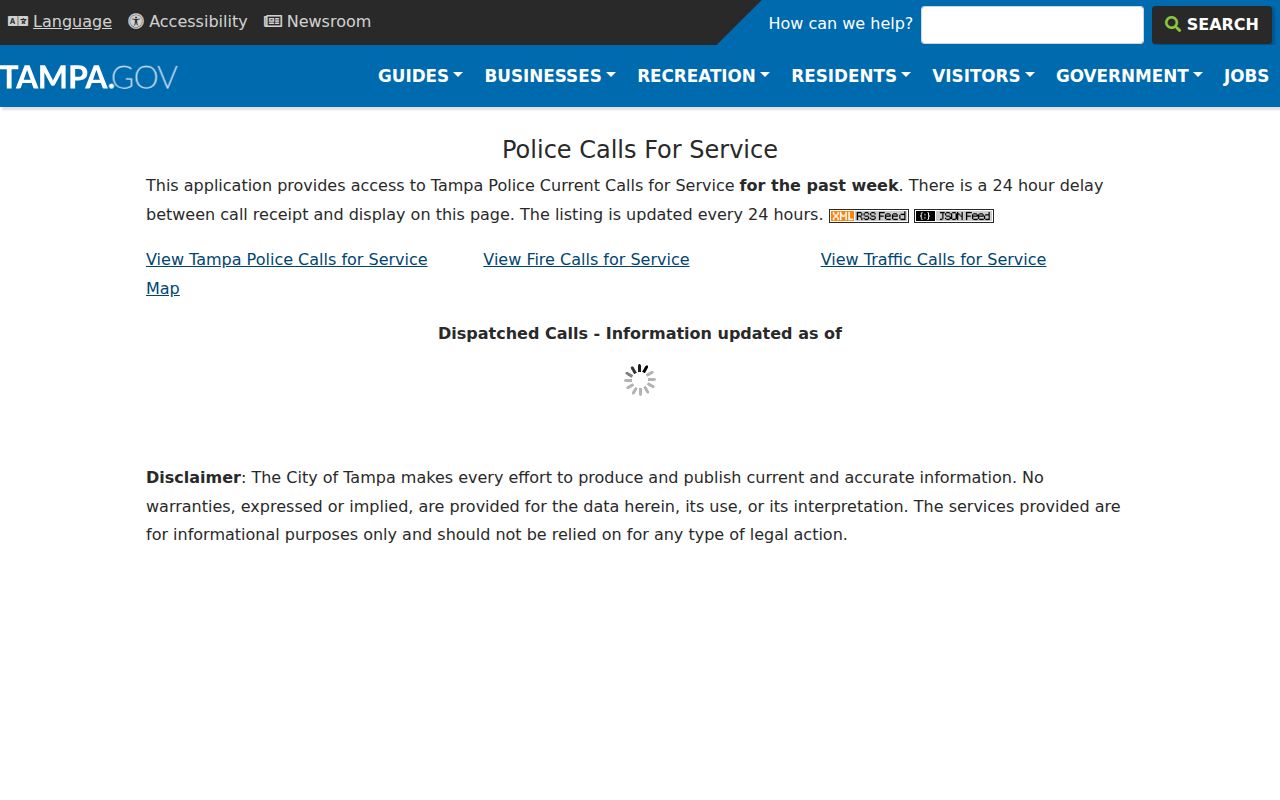
The official TPD calls interface displays the city's incident fields and its search window.
Need to trace a Tampa incident? Start with the report number. Give it to TPD Records and they can pull the incident file. If that same incident ended in a county booking, though, the trail moves. HCSO holds the official photo and jail details from that point forward. Two systems, two keepers, and that split matters. It keeps a dispatch log from being mistaken for an actual arrest record.
Note: The calls list is delayed incident data, while HCSO Arrest Inquiry is the county booking and custody system.
When Tampa Busted Mugshots Post
Hillsborough's sheriff gives searchers a clear clock. Arrest Inquiry refreshes every half hour. A booking record should appear within 30 minutes of entering the Jail Management System. That timer starts well after the handcuffs, though, because transport, medical screening, and intake all come first. A TPD news release can beat the jail photo online. Someone still in the hospital may have no finished booking picture at all.
Day one brings another wrinkle. New adult arrest records stay out of general listings for a full 24 hours. Exact first-and-last-name search is the one stated exception once data are in the system. After that, the entry joins the general lists. A released person's ordinary public listing normally lasts 90 days. Yet HCSO says electronic arrest inquiries reach back to January 1, 1995. What the web shows, what a name search finds, and what the county keeps are three different things.
- Just arrested
- The person may still be in transport or intake, so no public booking record is assured yet.
- Just booked
- Exact-name search may work after system entry even while broad first-day lists suppress the record.
- In custody
- The current-inmates filter is the official county roster view.
- Released
- The listing normally remains visible for 90 days, while older records may need a targeted search or request.
Tampa Busted Mugshots in News
Newsrooms play by their own rules, not the jail portal's. HCSO and TPD publish selected case releases rather than a full arrest ledger. The Tampa Bay Times covers cases with context. It dropped its context-free mugshot galleries in June 2020. FOX 13 Crime & Public Safety and ABC Action News run event-driven stories on Tampa and Hillsborough. One caution: a story's image might be a booking photo, a surveillance frame, evidence, or something an agency supplied. Read the caption before assuming anything.
Private booking sites carry Hillsborough entries too, some touching Tampa. RecentlyBooked, Mugshots.com, and Mugshots.zone each keep county sections. Arrests.org offers a TPD filter. Their timing and correction habits vary. None gives a verified complete Tampa feed. Treat them as leads. For the booking event itself, go back to HCSO. For how the case turned out, check HOVER. A wider look at regional outlets sits in Crime News & Mugshots.
Note: Public access to an official booking photo does not require a newspaper to republish it or make it part of a gallery.
Verify Tampa Arrest Outcomes
A booking record is a snapshot from day one. The State Attorney can file different charges, amend a count, or decline to prosecute. At first appearance, a judge may reset bond or release terms. Dismissal, acquittal, withheld adjudication, plea, or conviction can all follow. HCSO itself warns that arrest data may not match the prosecutor's decision or trial outcome. It sends final-disposition questions to the Clerk.
So match the Tampa arrest first. Then search HOVER by name, date, and case details. Work through the filed counts, docket events, hearings, orders, judgment, and disposition. Sealed and juvenile records stay invisible to anonymous users. A common last name is a trap. Never weld a booking record to a court file on the name alone. The Tampa incident number, HCSO booking number, SOID, and court case number each track a different stage.
What if a private page conflicts with HCSO? Save the URLs and dates. Then trust the originating agency and the court record. A copied booking card can be stale even when its text looks official.